Product Update · August 17, 2026 · 5 min read
Subtitles and closed captions, from the video itself
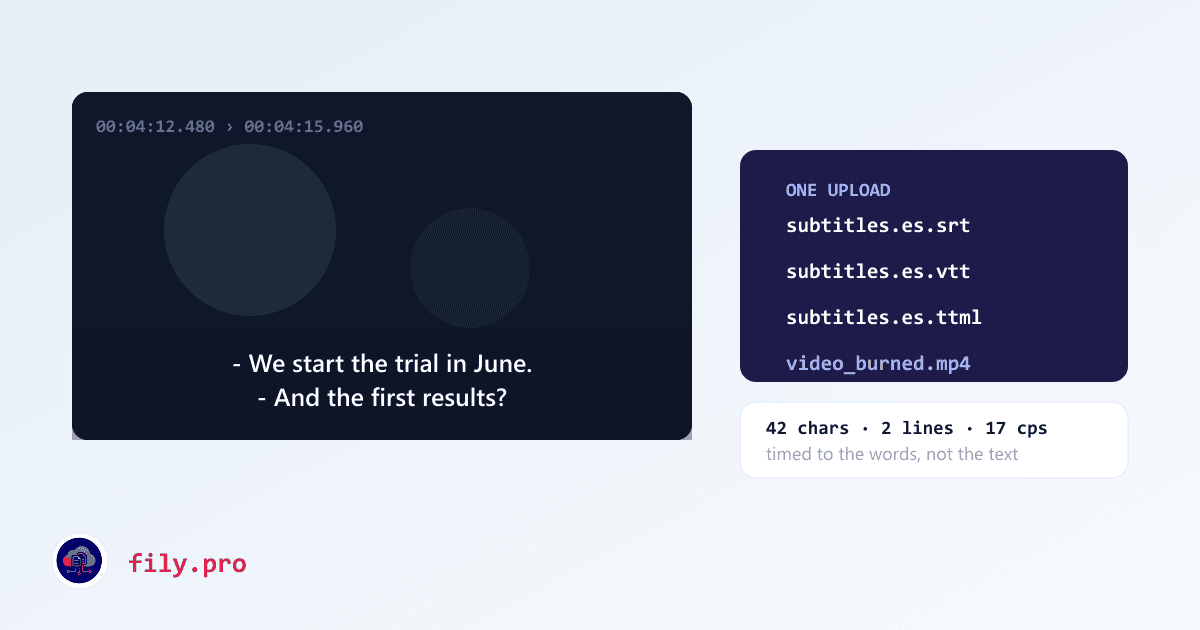
We have translated subtitle files for a long time: you send an SRT, we send it back with the timecodes intact and the reading speed respected. That works, and it quietly assumes the hardest part is already done — because somebody else already decided where every line starts and ends.
A client asked for the part before that. Here is the video; give me the captions. That module is live.
Two services, one upload
Upload the video — up to 2 GB, in chunks, resumable, because a 90-minute MP4 over an office connection will get interrupted and starting over is not an acceptable answer. Then pick what you need: closed captions in the original language, or subtitles in another one. Both come from the same transcription pass, so ordering captions today and Portuguese subtitles next week does not mean transcribing twice.
Cues are not a transcript cut into pieces
This is the distinction that decides whether subtitles are usable. The obvious implementation is to transcribe, then chop the text into 42-character lines and spread the timecodes evenly across them. It produces a file that passes every automated check and is exhausting to watch: lines that appear before the sentence starts, lines that hang on screen after the speaker has moved on.
Our cues are built from word-level timings. Each cue starts when its first word is actually spoken and ends when its last word ends. Sentence boundaries come from the speech, not from where the character count ran out — and when the transcription drops a period into the middle of a sentence, which speech recognition does constantly, a guard catches it instead of turning it into a two-word ghost cue.
Translated inside a time budget
Translating a subtitle is not translating a sentence. Each cue has a duration, and that duration times the reading speed for the target language is a hard character budget. Spanish and German routinely need more room than the English they came from, and the room does not exist.
So translation happens per sentence, with the budget attached, and anything that comes back too long is condensed and re-checked rather than shipped and flagged. What still exceeds the budget after that is marked for the reviewer — visibly, in the editor, against the picture.
To spec, without configuring anything
Line length, minimum and maximum durations, the gap between cues, where a line may be broken, reading speed by language and audience, shot changes, italics, positioning — all of it follows the Netflix Timed Text Style Guide, which is the closest thing this industry has to a published standard. We audited our pipeline against all of it, which was less flattering than it sounds; that story is its own post.
There is also an SDH variant for the US accessibility requirement: speaker labels when the voice changes, and non-speech information preserved rather than cleaned away.
What you get back
- SRT, WebVTT and TTML/IMSC — the three formats platforms and broadcasters actually ask for, generated from the same cue list so they cannot disagree.
- A review editor with the video, the waveform and the cues in one screen.
- Optional burn-in: an MP4 with the subtitles rendered into the picture, for the client who wants a file they can just play. Billed per hour of video, charged only when it finishes.
- Human QA on video jobs, priced per minute, if you want a professional linguist through it before delivery.
What is not there yet
Broadcast caption formats — SCC and its relatives — are on the roadmap and gated on a validator we are not willing to ship without. If that is what your distributor requires, tell your Account Manager and it moves up the list. Everything above is live today: open the Video service and drop a file in.
Want this in your workflow? Try Fily with one file — no card, no demo form.