Product Update · October 9, 2026 · 4 min read
Product Update — Every language in one launch, comments on the page, and PDFs quoted before you take them
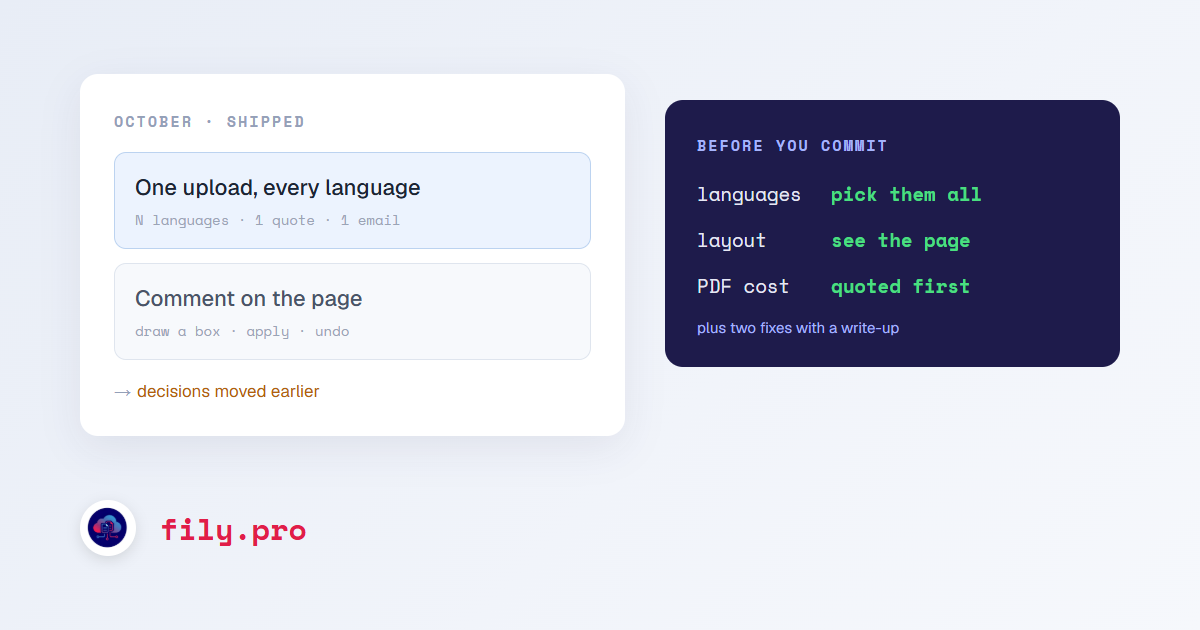
Three weeks, three features and a handful of fixes. The features share a theme: they move decisions earlier. Which languages, before you upload twice. What the page looks like, before you open the file. What a PDF will cost, before you accept the work.
One upload, several languages
Under the target language there is now “Add more languages”. Pick as many as you need and Fily launches one job per language from the same upload, each with its own glossary, style guide and memory for that language. The quote shows every language and the total, you get one email when the whole set is ready, and “Download all languages” returns one folder per language. It works for documents, audio and video, in the client portal and through the API. One upload, every language.
Compare layout, and comment on it
PDF jobs have a “Compare layout” button: the original page on the left, the translated page on the right, page by page, in the job or in a window of its own. If something on the translated page is wrong, draw a box around it, say what you want, and apply. Fily rewrites the text inside the box, rebuilds the file and tells you when the new version is ready. Every change can be undone. Comment on the page, not the segment.
PDF Quote, OCR + Formatting, and translations that keep the layout
PDF Quote reads a PDF, or a ZIP of them, and tells you the words, the pages, how hard the file is and what each service would cost, before you commit to anything. OCR + Formatting turns a PDF into a Word document that reproduces the page: same sheet, same tables, same footnotes. And PDF and image translations can now keep the original layout instead of coming back as running text. Quote the PDF before you take the job.
Two fixes we owe you an explanation for
Some Chinese (Simplified) jobs came back partly in Traditional characters. The cause was a single line that threw away the part of a language name in parentheses, and it is fixed. “Chinese (Simplified)” is not “Chinese”.
Eleven of our file formats, InDesign and PowerPoint among them, were running an older processing path than the one their names promised. They now run the current one, and Chinese, Japanese and Korean jobs in every format stopped doing twice the work they needed to. Eleven pipelines that only looked new.
Smaller but real
- A shared folder sent as one job is translated whole. A folder of several files used to translate only the first one; it now becomes a batch, and a single file is delivered back to the shared folder like everything else.
- Golden TM exports as TMX, and the CSV export includes every entry instead of stopping at 500 rows.
- The job page shows the credits actually charged for the job, not a flat estimate.
- Mongolian (Cyrillic) is available as a source and target language.
- Notifications are in the bell for every user, not only for our team, starting with “your layout comments were applied”.
As always, most of this started with someone telling us exactly what was wrong. Keep doing that.
Want this in your workflow? Try Fily with one file — no card, no demo form.