A translation agency we work with receives PDFs from its own clients and has to quote them on the spot. A PDF is the worst file to quote by eye: a scanned form looks like ten words and turns out to be four hundred, a digital report has three columns, footnotes and a table on every page. They asked us for a number before they say yes.
PDF Quote
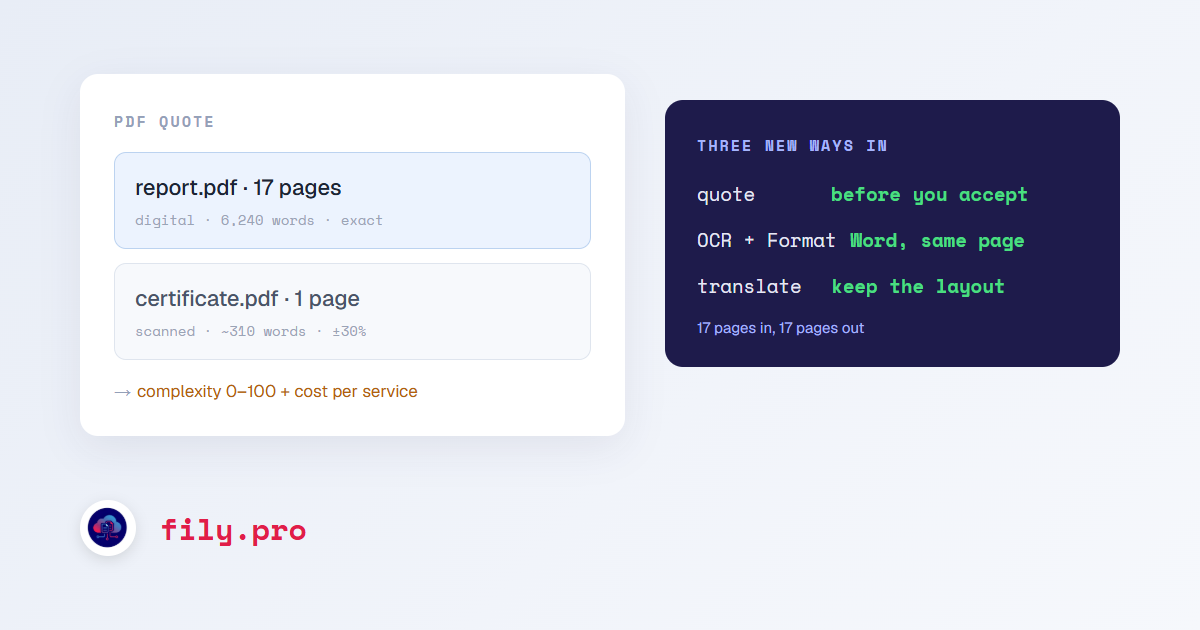
PDF Quote is in the menu under Language assets. Drop a PDF, or a ZIP of them, and it tells you, per file: pages, words, whether the pages are digital or scanned, a complexity score from 0 to 100, and what OCR, OCR + Formatting and translation would cost at your rate. The report downloads as a printable page you can attach to your own quote.
- Digital pages are counted from the text layer, so the count is exact.
- Scanned pages are estimated from the ink on the page, calibrated against real counts, and shown as a range with a clear “estimated” label. Chinese, Japanese and Korean are counted in characters.
- If a scan’s language is not obvious, it says so and asks you to pick one rather than guessing.
- The complexity score accounts for scans, broken text layers, tables, charts, columns, footnotes, density and fonts.
Analysis costs one credit per page, with a minimum of ten, and it tells you that before it runs. You are charged only if the analysis succeeds, and analyzing the same file again within 24 hours is free.
OCR + Formatting
Plain OCR gives you the text. Most people who send a PDF want the page: a Word document they can edit that looks like what they sent. OCR + Formatting reads each page and rebuilds it in Word: one Word page per PDF page with the same margins, tables with their widths, shading and merged cells, columns, footnotes and page numbers in the footer, stamps and boxes where they were.
Each page is checked after it is built. If a page spills onto a second sheet, spacing and then font size are tightened until it fits again, so a 17-page PDF comes back as a 17-page document. It costs a flat 45 credits per page on every plan, and it is available in the client portal too.
Translation that keeps the layout
The same page reconstruction now powers translation. PDF and image translations have a “Keep original layout” option: Fily rebuilds the page, translates it paragraph by paragraph with bold, italics, superscripts and line breaks protected, and delivers a Word document in the original layout, in the target language. It adds the page rate above to the translation, and it is in the portal as well.
Pair it with Compare layout and you can check the result page by page against the original without opening either file.
What it is not
This is a faithful, editable Word reconstruction, not a pixel copy of the PDF. For most forms, letters, reports and certificates that is exactly what the client wanted. For a brochure that has to match a print file, it is a strong first draft for a designer, not the final art.
Want this in your workflow? Try Fily with one file — no card, no demo form.